Readme Files and .gitignore
This unit will cover how to contribute to open-source projects. The following video will explain what open-source is and how you can contribute to it:
Show/Hide Video
Before you can contribute however, you need to know about two important files: the README.md file and the .gitignore file.
Readme Files
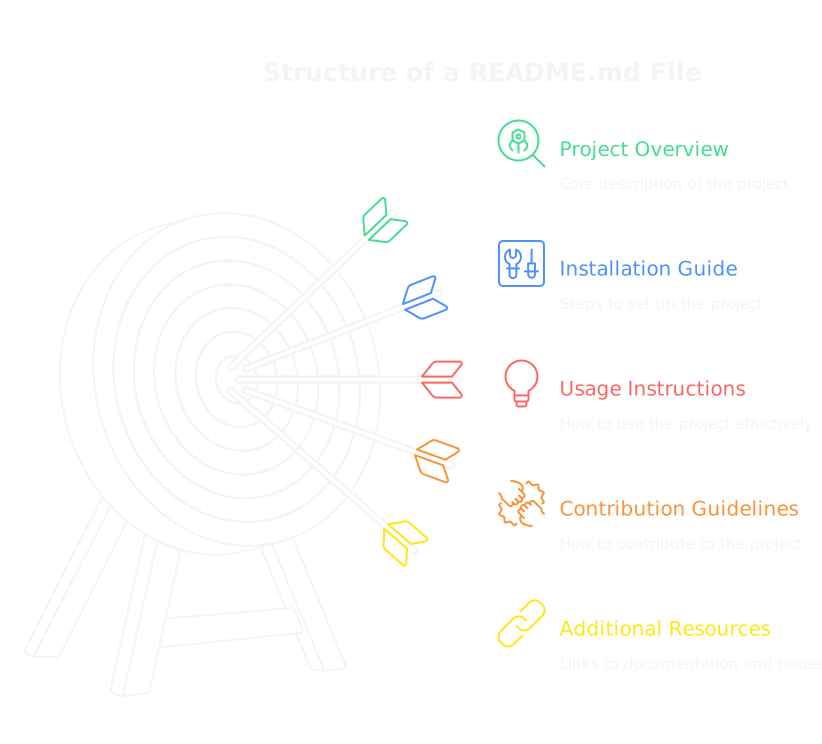
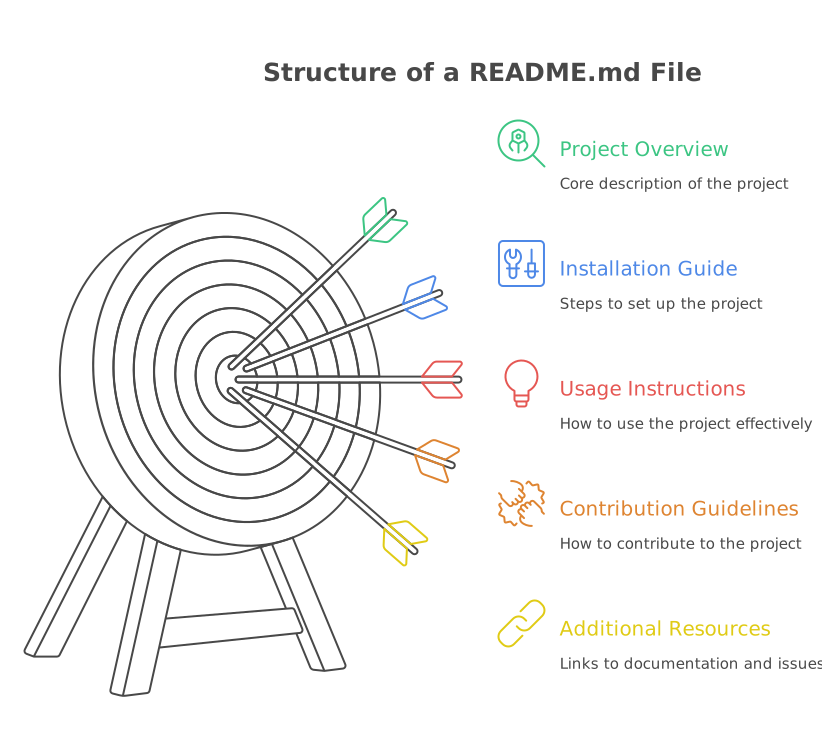
A README.md file is a markdown file that contains information about a project. It is typically the first file that people see when they visit a repository, and it should provide an overview of the project, how to install it, how to use it, and how to contribute to it. Additionally, it can include links to documentation, issues, and other resources related to the project.
This video will show you an example of a README.md file:
Show/Hide Video
As you can see, a README.md file is a great way to provide information about your project in a clear and concise manner. It can also help people understand how to use your project and how to contribute to it.
The repository that I showed in the video is fvtc/choose-your-adventure .
What is Markdown?
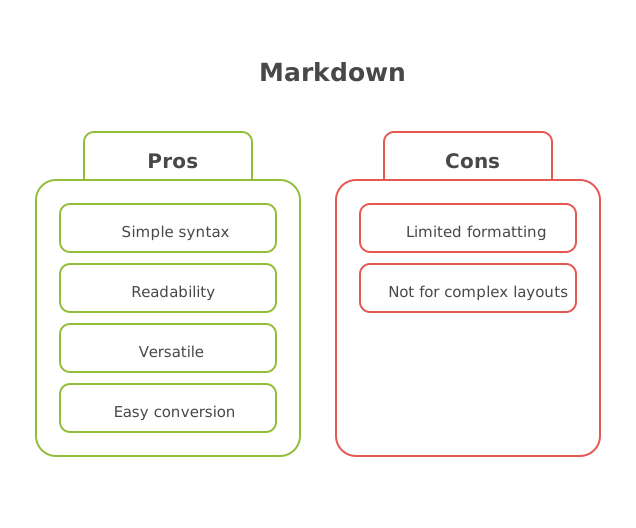
Markdown is a lightweight markup language that allows you to format text using simple syntax. It is widely used for writing documentation, README files, and other text-based content. Markdown files typically have a .md extension.
Markdown is kind of like a simplified version of HTML. It allows you to format text using special characters, such as # for headings, - for bullet points, and ** for bold text. Markdown is easy to read and write, and it can be converted to HTML or other formats.
This video will explain how to use Markdown:
Show/Hide Video
You can also find a lot of resources online for learning Markdown, such as the Markdown Guide .
Creating a README.md File
To create a README.md file, you can use any text editor or IDE.
This video will show you how to create a README file in Visual Studio Code:
Show/Hide Video
Here is the markdown code from the video:
# Project Title

A brief description of your project.

## Installation

Instructions for installing the project.

## Usage

Instructions for using the project.

## Contributing

Instructions for contributing to the project.
Note
For Assignment 2, you created a fork of tchapi's Markdown Cheatsheet . You can refer to that repository for a quick reference on how to do common formatting tasks in Markdown.
.gitignore Files
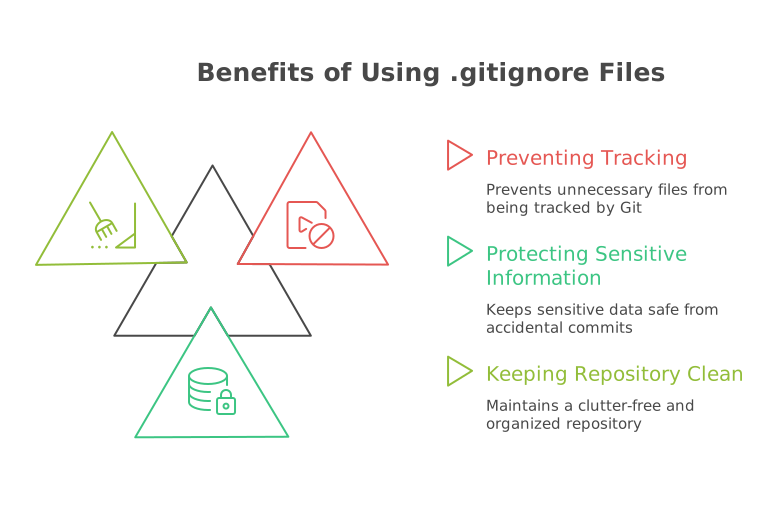
A .gitignore file is a text file that tells Git which files or directories to ignore in a project. It is used to prevent certain files from being tracked by Git, such as build artifacts, temporary files, and sensitive information.
Why Use a .gitignore File?
Using a .gitignore file is important because it helps keep your repository clean and free of unnecessary files. It also helps protect sensitive information, such as API keys and passwords, from being accidentally committed to the repository.
Creating a .gitignore File
To create a .gitignore file, you can use any text editor or IDE. This video will show you how to create one in Visual Studio Code:
Show/Hide Video
Note
Some IDEs, such as Visual Studio will automatically create a .gitignore file for you when you create a new project. You can also find pre-made .gitignore files for many common programming languages and frameworks on GitHub's gitignore repository
.
Here is the .gitignore file from the video:
# Ignore these folders (and their contents)
build/
dist/

# Ignore these files
secrets.txt
config.json

# Ignore files with these extensions
*.tmp
*.log
Exercise 1
Show/Hide Video
For this exercise, you will create a README.md file and a .gitignore file for a project. You can use a project from another class or create a new project just for this exercise.
Hints
How do I create a README.md file?
To create a README.md file, you can use any text editor or IDE. Here is an example of a simple README.md file:
# Project Title

A brief description of your project.

## Usage

Instructions for using the project.

## Contributing

Instructions for contributing to the project.
How do I create a .gitignore file?
To create a .gitignore file, you can use any text editor or IDE. Here is an example of a simple .gitignore file:
secrets/
Submission
Please submit your README.md and .gitignore files by pasting them into the text area below. Make sure to include both files in your submission.
Solution
Show the Answer
Here are the files that I created for this exercise, your files will be different:
# Bookmarklet Creator

A simple tool to create bookmarklets from JavaScript code.

## Usage

1. Create a folder in the `scripts` directory with the name of your bookmarklet.

2. Run the app.

3. Open your browser to `http://localhost:3000`.

4. Drag your bookmarklet to your bookmarks bar.


secrets/
node_modules/